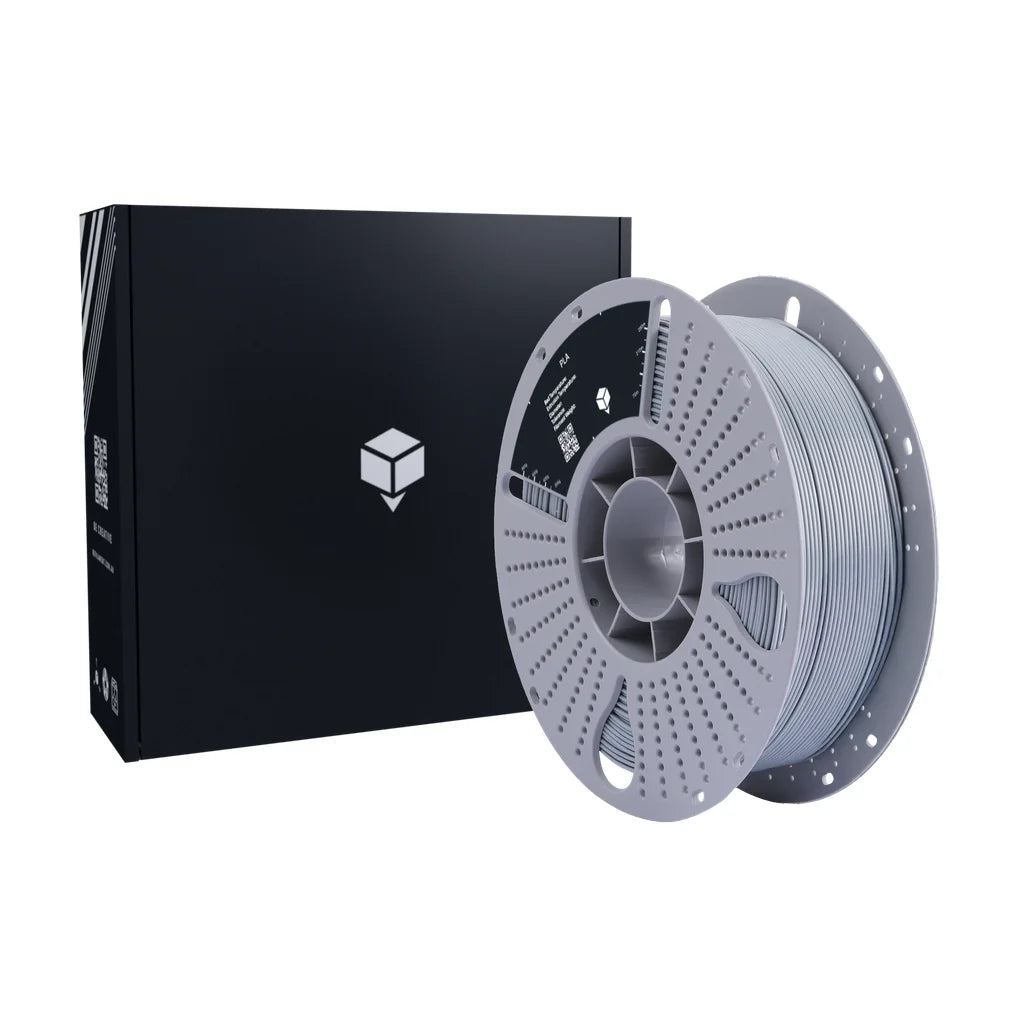

Collection: PC (Polycarbonate)

Our polycarbonate (PC) filament delivers the highest combination of tensile strength, impact resistance, and thermal stability available in desktop FDM printing. For demanding industrial, automotive, and electronics applications where other materials fall short.

3 products

About Polycarbonate (PC) Filament

Polycarbonate (PC) is one of the strongest engineering thermoplastics available in desktop FDM printing. It combines very high tensile strength, outstanding impact resistance, and excellent thermal stability, with a heat deflection temperature well above that of ABS, PETG, or nylon. PC is widely used in industrial, automotive, and electronics applications where parts must withstand high mechanical loads, significant impact, or sustained elevated temperatures.

Printed PC parts maintain their dimensions and mechanical properties at temperatures that would cause PLA or ABS to deform. This makes PC well suited to electrical enclosures, motor housings, brackets near heat sources, and structural components that must remain dimensionally stable under load at high temperatures. Our PC filament is manufactured to tight tolerances of ±0.02mm at 1.75mm diameter for consistent, reliable performance.

PC is one of the more demanding materials to print reliably. It requires high nozzle temperatures, an enclosed build chamber, and an all-metal hotend. PTFE-lined hotends are not suitable for PC, as PTFE degrades at the nozzle temperatures required. Given the right setup, PC delivers mechanical properties difficult to match with any other desktop FDM material.

When to Choose Polycarbonate Filament

PC is the right choice when a part must deliver both high strength and high heat resistance simultaneously. It excels in electrical enclosures, motor mounts, structural brackets operating near heat sources, and any application where mechanical integrity at 100°C or above is required. Its outstanding impact resistance also makes it suitable for parts that must absorb significant force without fracturing.

This is a material for advanced users with enclosed, high-temperature-capable printers fitted with all-metal hotends. If your application can be met by ABS or nylon, those materials are considerably easier to print. Reserve PC for parts where thermal or mechanical requirements genuinely exceed what alternative materials can provide.

PC is not appropriate for decorative prints, flexible parts, or beginners. Printing without an enclosure is strongly discouraged, as even minor temperature variation during a build leads to warping and layer delamination. It also produces fumes during printing and requires adequate ventilation.

Polycarbonate vs Alternative Filaments

PC sits at the top of the desktop FDM performance range. It surpasses ABS and nylon in heat resistance and impact toughness, but demands more from printer hardware and setup. Understanding where PC genuinely exceeds the alternatives helps avoid unnecessary complexity.

Property PC ABS PA12 ASA
Tensile Strength Very high High High High
Heat Resistance 110–130°C 90–100°C 100–120°C 95–100°C
Impact Resistance Outstanding High High High
Print Difficulty Hard Moderate to hard Moderate to hard Moderate to hard
Typical Applications Enclosures, high-stress structural Functional parts, tooling Gears, bearings, connectors Outdoor parts, automotive

ABS is easier to print and suits most functional applications that don't require PC's elevated heat resistance. Nylon outperforms PC in abrasion resistance and fatigue strength, making it the better choice for sliding or repetitively loaded components. ASA adds UV resistance for outdoor applications but falls short of PC's thermal performance.

If polycarbonate isn't the right fit for your application, explore our ABS, PA (Nylon), or ASA filament collections for alternative materials.

Printing Polycarbonate Successfully

The most critical hardware requirement is an all-metal hotend. PTFE-lined hotends are not suitable for PC, as PTFE degrades and releases fumes above approximately 240°C. PC requires nozzle temperatures of 260–310°C, making an all-metal hotend non-negotiable. Verify your printer's hotend specification before printing.

Temperature settings: Nozzle temperatures typically range from 260–300°C, with most users achieving good results at 270–290°C. Bed temperature should be set between 100–120°C on a PEI or polycarbonate-compatible adhesion surface. A heated build chamber or fully enclosed printer is strongly recommended to maintain a stable ambient temperature around 45–60°C.

Common challenges: Warping is the primary obstacle with PC, particularly on larger prints with wide bases. Minimise warping by ensuring the bed is level, the first layer is well-adhered, and ambient temperature remains stable throughout the build. Run cooling fans at very low speed or disable them entirely, as rapid cooling causes layer separation. Using a brim on large flat parts is strongly recommended. PC also absorbs moisture over time; store with desiccant and dry before printing if the spool has been exposed to air.

Printer Compatibility

PC places the most demanding hardware requirements of any common FDM filament. Confirm all of the following before attempting to print.

  • All-metal hotend: Mandatory. PTFE-lined hotends cannot safely operate at the temperatures required for PC. Printers with all-metal hotends as standard include the Bambu Lab P1S, X1C, Prusa MK4S, and most Creality K-series machines. Other printers may require a hotend upgrade.
  • Enclosed printers: Strongly recommended. Without an enclosure, even well-set-up prints are prone to warping, particularly on larger parts. The Bambu Lab P1S and X1C, and the Prusa MK4S with enclosure kit, are capable of printing PC reliably.
  • Open-frame printers: Generally not recommended for PC. Small parts with minimal footprint may succeed in temperature-controlled environments, but consistency is poor without an enclosure.
  • Heated bed: Required at 100–120°C. Printers with a maximum bed temperature below 100°C cannot print PC reliably.
  • Nozzle: Standard brass nozzles are adequate for unfilled PC grades. Use hardened steel for PC-CF variants.

Check that your printer can sustain both nozzle temperatures of 270–300°C and bed temperatures of 100–120°C with an all-metal hotend before purchasing PC filament.

Polycarbonate (PC) Filament FAQs

Yes, an all-metal hotend is essential for PC. PTFE-lined hotends degrade above approximately 240°C, releasing fumes and contaminating the filament path. PC requires nozzle temperatures of 260–300°C, making an all-metal hotend a non-negotiable requirement. Many modern printers include all-metal hotends as standard; check your printer's specifications before attempting to print PC.
PC has a higher melt temperature, a greater tendency to warp due to its high thermal expansion, and requires an all-metal hotend. It is also more sensitive to ambient temperature variation, meaning an enclosed build chamber is effectively required for consistent results. Each of these factors adds a layer of hardware and settings complexity beyond what ABS demands.
It is possible for very small parts in a warm, draught-free environment, but warping and layer delamination are common without an enclosure. For reliable, repeatable results across a range of part geometries, an enclosed build chamber is strongly recommended. Attempting large flat prints on an open-frame machine will almost always result in warping.
Use an enclosed printer with a heated bed at 100–120°C, disable or minimise cooling fans, and ensure the first layer is properly adhered to a PEI or PC-compatible surface. Add a brim for parts with a small contact footprint. Stable ambient temperature throughout the build is critical; opening the enclosure during printing can cause layer separation.
Store PC in an airtight container with silica gel desiccant. PC absorbs moisture over time, which can cause bubbling and poor layer adhesion during printing. If a spool has been left unsealed, dry it at 70–80°C for 4–6 hours before printing. Consistent sealed storage prevents most moisture-related issues.